day8 battery hero v2 1777866653415

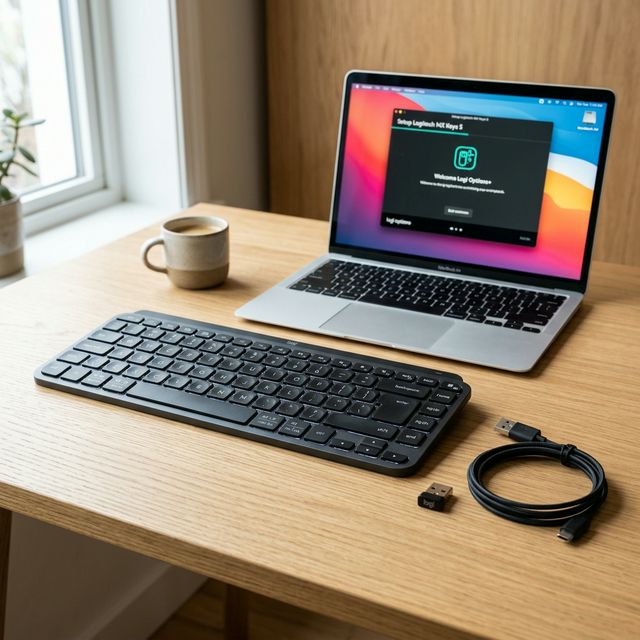
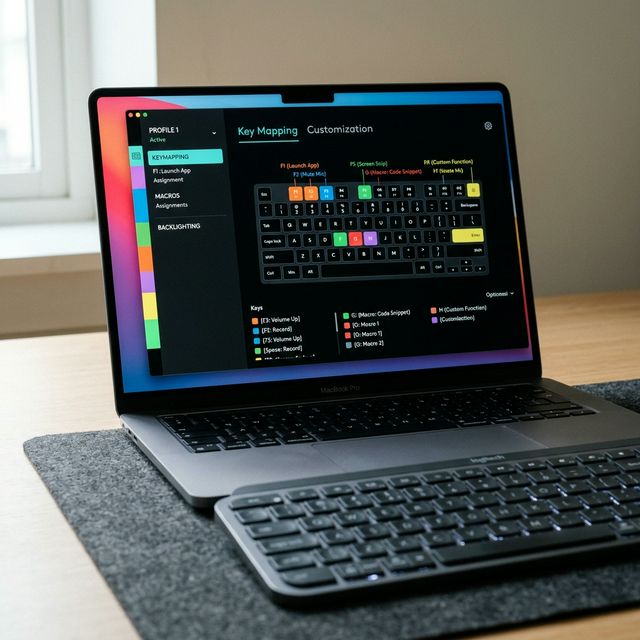
MX Keys S Battery Life Tips: How to Get 5 Months Per Charge

Logitech claims up to 10 days with backlighting on and 5 months with it off. If you’ve been getting far less than that, you’re probably making at least one of the mistakes in this guide. Here’s every setting, habit, and trick that will maximize MX Keys S battery life — from the obvious to the ones buried deep in…
Read Article
mx keys s mac hero 1777343605778

Logitech MX Keys S for Mac Users: The Complete Guide

MX Keys S Series — Day 7 | Use Case Guide The MX Keys S is not a Mac keyboard. Logitech makes it compatible with Windows, Linux, ChromeOS, and iPadOS. But in practice, on a Mac, it behaves better than most keyboards that claim to be designed specifically for Apple. Here’s everything you need to…

Read Article
mx keys s logi options hero 1777019626113

Logi Options+ Deep Dive: Unlock Every Feature of Your MX Keys S

MX Keys S Series — Day 6 | Tutorial Most people install Logi Options+, change one key, and close it. They’re leaving 80% of what makes the MX Keys S special sitting untouched in a menu they’ve never opened. This guide goes through every major feature — what it does, why it matters, and the…

Read Article
mx keys s setup guide hero 1776928355078

Logitech MX Keys S Setup Guide: The First 30 Minutes

MX Keys S Series — Day 5 | Tutorial You just took your new Logitech MX Keys S out of the box. It feels surprisingly solid, the aluminum is cool to the touch, and you’re ready to make it the center of your workflow. Setting up this keyboard is technically as simple as flipping the…

Read Article
mx keys s buying guide hero 1776664973187

Logitech MX Keys S Review 2026: Is It Still the Best Productivity Keyboard?

The Logitech MX Keys S has been one of the most consistently recommended productivity keyboards since its launch. In a market where mechanical keyboards dominate the conversation, Logitech built something with scissor switches and premium materials that still earns head-turns and repeat buyers in 2026. But is it still worth buying? Who is it actually…

Read Article
day27 budget keyboards hero 1776321927542

Best Budget Mechanical Keyboards Under $100 in 2026: Top 5 Picks

There is no longer any reason to spend $200 to get a good mechanical keyboard. I know that sounds like something a keyboard hobbyist would say sarcastically, right before recommending something that costs $350. But I mean it genuinely: in 2026, the sub-$100 mechanical keyboard market has matured to the point where you can get…

Read Article
day26 programmer keyboard hero v2 1776158350433

Best Mechanical Keyboards for Programmers in 2026: 5 Picks That Actually Matter

Most keyboard guides talk about sound profiles, RGB animations, and which switches feel the “thockiest.” That’s fine for enthusiasts. But if you’re a developer who types 8–10 hours a day, across multiple machines, with deadlines bearing down — your needs are more specific than that. You need a keyboard that helps you work. Precisely. This…

Read Article
day25 wireless keyboards hero 1776047295446

Best Wireless Mechanical Keyboards in 2026: Top 5 Picks for Every Budget

Three years ago, “wireless mechanical keyboard” was still a compromise build. You dealt with lag, you accepted mediocre battery life, and you prayed nothing would cut out mid-game or mid-deadline. In 2026, those problems are essentially solved. The best wireless mechanical keyboards today are just as responsive as their wired counterparts — and considerably cleaner…

Read Article
day24 75percent hero 1775700101747

The Best 75% Mechanical Keyboards in 2026: Our Top 5 Picks

If you’ve been in the mechanical keyboard hobby for more than five minutes, you’ve already heard the debate: 60% vs TKL vs full-size. But quietly, steadily, the 75% layout has become the most practical choice for the largest number of people — and in 2026, the options available at every price point are genuinely excellent. This guide…

Read Article